Why Your Website Gets Traffic but No Enquiries
Start by checking what the traffic represents
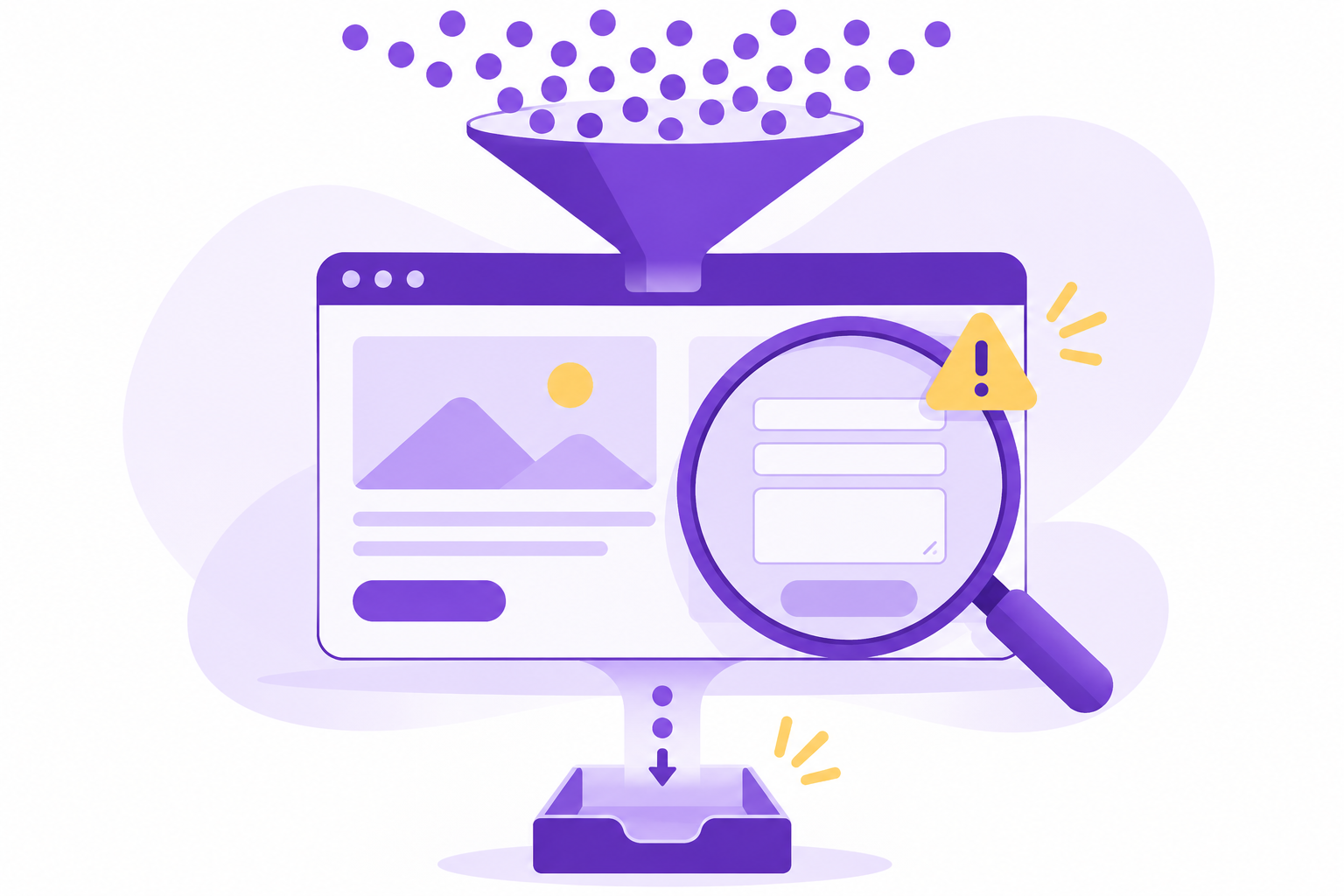
If your website gets traffic but no enquiries, start by checking who is visiting, what they expect and whether your contact options work. More visitors will not automatically solve an unclear offer, a difficult enquiry form or a page that does not answer customer questions. Genius Mindzz helps businesses review these gaps and plan practical improvements.
Traffic and relevant enquiries are different measures. A visitor reading an informational article may have no immediate purchase requirement. Someone opening a specific service page may be closer to contacting you. Genius Mindzz helps businesses discuss websites, advertising and lead generation as a connected journey. A useful review begins by finding where expectations and the actual experience stop matching.
Check that enquiries are not simply missing from the report
Before concluding that nobody contacts you, compare the website report with your actual inbox, calls and WhatsApp conversations. Some people may use a phone number without clicking the tracked button. Others may return later through a different route. A reporting gap is different from a lack of business interest.
Submit a test enquiry and confirm both delivery and the expected measurement. Ask whoever manages analytics to explain what each recorded action means. A button click should not be labelled as a confirmed sale, and a form event should not be assumed to represent a qualified opportunity without further review.
Your visitors may not match the service you sell
Look at the pages people arrive on and the source of those visits. If the audience is mainly looking for information, jobs or services you do not provide, a quiet enquiry inbox may reflect the type of attention being attracted. Increasing that same traffic would not necessarily address the problem.
Ask your sales team which requirements are suitable and compare those with the website’s message. Review campaign destinations and available search-query information where appropriate. Avoid guessing that all visitors are potential buyers. A clear definition of your intended customer helps distinguish an audience problem from a page-design or contact-form problem.
The opening section may not explain the offer
A page can look polished while leaving someone unsure what the company actually does. Generic statements about quality and innovation do not tell a prospective customer whether you handle their particular requirement. The first useful change may be clearer wording rather than additional visual effects.
Ask a person unfamiliar with the business to read the opening section and describe the offer. Can they identify the service, intended customer and next step? If not, write a more specific introduction. Use supporting details to explain suitability without making visitors scroll through several sections before recognising whether the page is relevant.
The destination may not match the advertisement
An advertisement about one product or service should lead to an explanation of that offer. If visitors arrive on a broad homepage, they may need to search for information they expected to see immediately. Review the journey from the message that attracted attention to the page that receives the click.
Check whether product images, offer conditions and the next action remain consistent. A dedicated page may be appropriate when a campaign has a specific requirement or audience. Do not create it merely to add another URL; give it a clear role. The customer should understand how the destination continues the conversation they chose to open.
Important decision information may be missing
Customers often need practical details before they are comfortable contacting a business. Depending on the service, they may ask about the process, coverage, required inputs or how a quotation is prepared. Missing information can leave visitors uncertain even when the design and contact button are easy to see.
Collect repeated questions from your team and decide which belong on the page. Explain the process accurately. If final pricing depends on requirements, say what information is needed rather than inventing a fixed price. Use content to help the visitor assess the offer and prepare a useful enquiry, not simply to increase page length.
The contact action may ask too much too soon
A person exploring options may not be ready to request a detailed final quotation. Offer a next step that suits the page and explain what happens afterward. A requirements discussion and a specification upload can both be useful, but they serve different stages of the customer journey.
Review the form itself. Ask only for information needed to begin, label fields clearly and show understandable feedback after submission. Check whether a visitor can complete it comfortably on mobile. Long questionnaires can be appropriate in some situations, but they should have a reason. Do not collect information simply because a field was included in a template.
Something may be broken on the actual device
Open the website on a phone and complete the key tasks yourself. Check that the menu opens, buttons can be tapped and no overlay covers the enquiry area. Submit the form with realistic information and confirm that it reaches the right recipient.
Repeat the relevant checks after changes to forms, integrations or contact details. A successful test from months ago does not verify the current setup. If loading or interaction problems are suspected, ask the website team to investigate the actual pages and affected devices. Avoid diagnosing the entire site from one screenshot or assuming a visual redesign will repair an unrelated delivery issue.
Trust information may be too vague or unsupported
Visitors need a fair understanding of the business behind the page. Provide accurate contact information, relevant background and approved examples of work. Where you publish customer feedback or results, include only information you have permission to use and can support.
Do not fill an evidence gap with invented testimonials, badges or claims of being number one. A real photograph and a useful explanation of a project may contribute more than an unsupported promise. Help customers see what you do and how the process works, while distinguishing illustrative examples from documented client work.
Enquiries may arrive but fail during follow-up
Review who checks incoming forms and messages, how replies are handled and whether progress is recorded. If potential customers receive no response, changing a headline will not resolve the missing ownership. A contact route should have a responsible person behind it.
Use simple categories for reviewing conversations: relevant requirement, unsuitable request, quotation sent or appointment booked. Share recurring problems with the website and advertising teams. The right next action depends on where the issue occurs. You may need clearer content, a different audience or a better response process rather than one large change to everything at once.
Make one clear improvement and review the result
Write down the problem you believe you have found and the evidence supporting it. Choose a focused change, such as clarifying the service area or repairing the form route. Review later customer behaviour and enquiry feedback against the same question so that the learning remains understandable.
Genius Mindzz offers websites, landing pages, paid advertising and lead generation support. If your website receives visits but few relevant enquiries, share the page, traffic sources and current response process at Genius Mindzz. A structured review can help identify what needs attention before you commit to unnecessary redevelopment or additional advertising spend.
Frequently Asked Questions
Why do website visits not always become enquiries?
Visitors may have different intentions, need more information or encounter a broken contact route. Begin with evidence about the audience and journey rather than assuming every visit should become a sales conversation.
Should I redesign the whole site immediately?
First check the form, contact routes, reporting and message consistency. A focused repair or clearer service explanation may address the problem. A larger redesign should follow an identified requirement.
What information helps an enquiry review?
Provide the relevant pages, traffic sources, test results and the process for handling incoming messages. Sales feedback helps distinguish unsuitable traffic from website or follow-up problems.